Chronos
The documentation for all my projects, gathered on one site.
Chronos gathers the documentation for Kern, Hermès, Mnémosyne, MySchool and my Minecraft projects. Each project has its landing page and docs, in French and English, with Pythia, an assistant that answers from the docs.
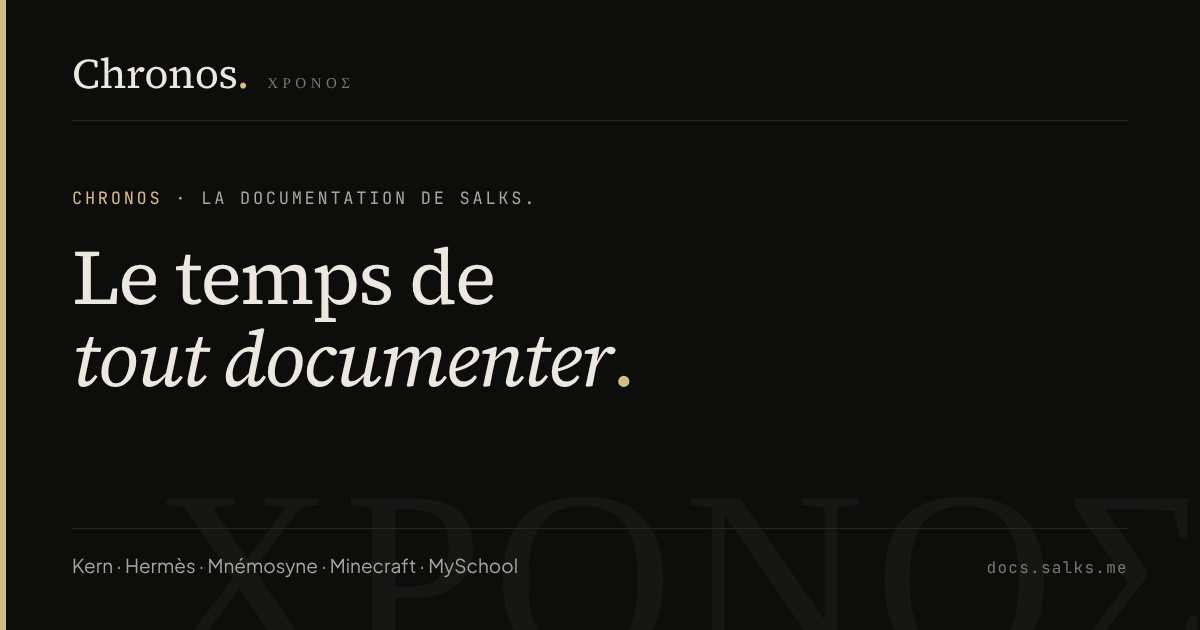
One address to document everything
As projects piled up, the documentation scattered: a README here, a website page there. Chronos gathers it all on docs.salks.me. Each project keeps its colour and codename, and the docs read the same way from one to the next.
What you’ll find
- A landing page per project: overview, highlights, links (site, repository, Discord, download) and a table of contents built automatically from the docs, with the title and first paragraph of each page.
- The docs themselves, written in Markdown, with their callouts (tip, warning, danger) and sidebar.
- The Minecraft projects, shown in a grid filtered by type (mod, plugin, pack, tool), platform or search. Each mod or plugin has its own docs.
- Two languages, French and English, with a switcher in the navigation bar. Anything not yet translated falls back to French.
Pythia
The button at the bottom right opens Pythia, which answers questions from the docs.
By default it works entirely in the browser: at build time, Chronos generates an index of every section; the browser downloads it on the first question and finds the closest passages, ignoring accents and matching word families. No question leaves the device.
In AI mode, the search runs again on the server, then a small open model writes a short answer from the matching passages only, shown as sources under the answer. If the AI doesn’t respond, Pythia falls back to local search.
How it’s built
Chronos is Docusaurus 3, fully redesigned in the style of my project sites: ink background, serif headings, thin rules instead of cards, dark and light. Landing pages are generated by a plugin from a single data file. The site is served by a Cloudflare Worker, which adds the Pythia route in AI mode.
Gallery