Calliope
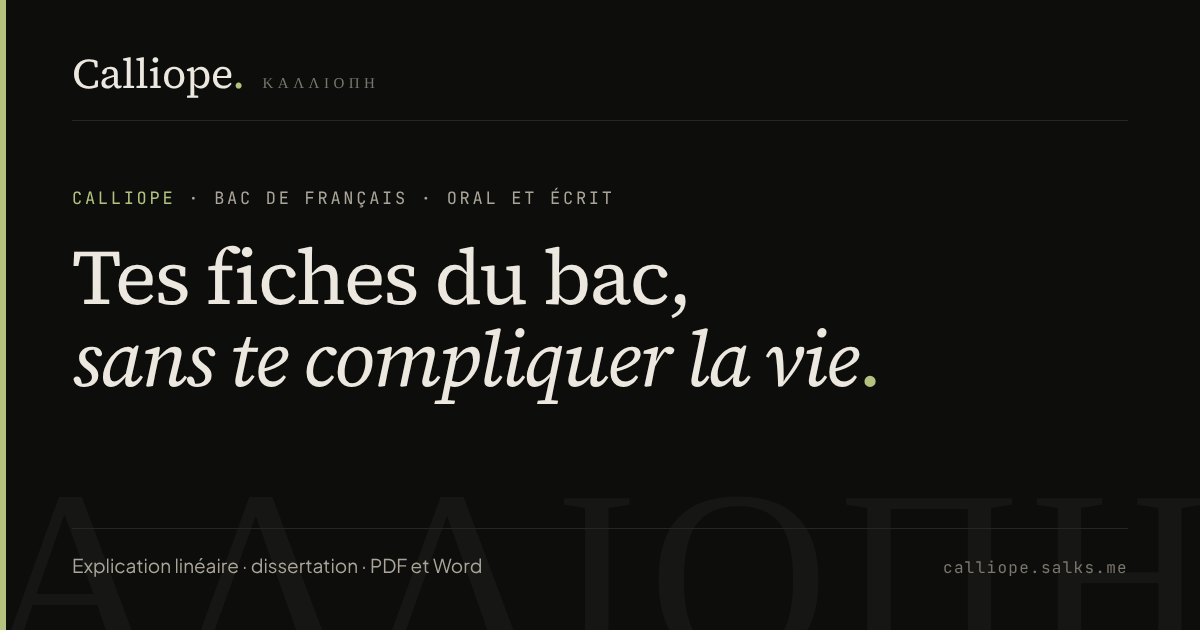
A free tool to write revision sheets for the French baccalauréat: close reading, essay, PDF and Word export.
Calliope helps students prepare the oral and written parts of the French baccalauréat. You fill in your sheet, watch it take shape live and export it as PDF or Word. No account, nothing leaves the browser.
Why Calliope
For the French baccalauréat, every text on the list needs a revision sheet: introduction, central question, movements, quotations with their devices, conclusion. Many students write them in a word processor, with a layout that changes from one sheet to the next and hours lost on formatting.
Calliope handles the formatting. You fill in fields designed for the exam and the sheet lays itself out, clean and consistent from one text to the next.
Two modes, one per exam
Close reading, for the oral. The introduction and conclusion, the central question, numbered movements with their lines, and for each quotation its devices and analysis. The grammar question has its place too.
Essay, for the written exam. For the full work: author, date, genre, movement, theme of study, biography, context, summary, themes, key quotations and essay topics with their outlines. A photo of the book cover can be added.
A third mode is in the works.
What you see while writing
The preview updates with every keystroke, at the same dimensions as the final PDF. Three export templates are available: Calliope (the project’s colours), Classique (serif, understated) and Encre (compact, black and white for printing). Accents, French quotation marks and non-breaking spaces are kept in both the PDF and the Word file.
Nothing is stored on my side
Calliope has no account, no server and no database. Sheets stay in the browser’s storage and can be saved to a .json file to reopen them on another computer. The only thing I measure is the number of visits, without cookies and without storing IP addresses.
Under the hood
The site is a static Next.js 16 export: plain files, quick to load. Exports use jsPDF and docx, loaded only when you click “Export”, to keep the page light. A single function turns the sheet into blocks read by the preview, the PDF and the Word file, so what students see on screen is what they print.
The code is open source under the MIT licence. Ideas for the third mode are welcome in the repository’s issues.
Gallery